
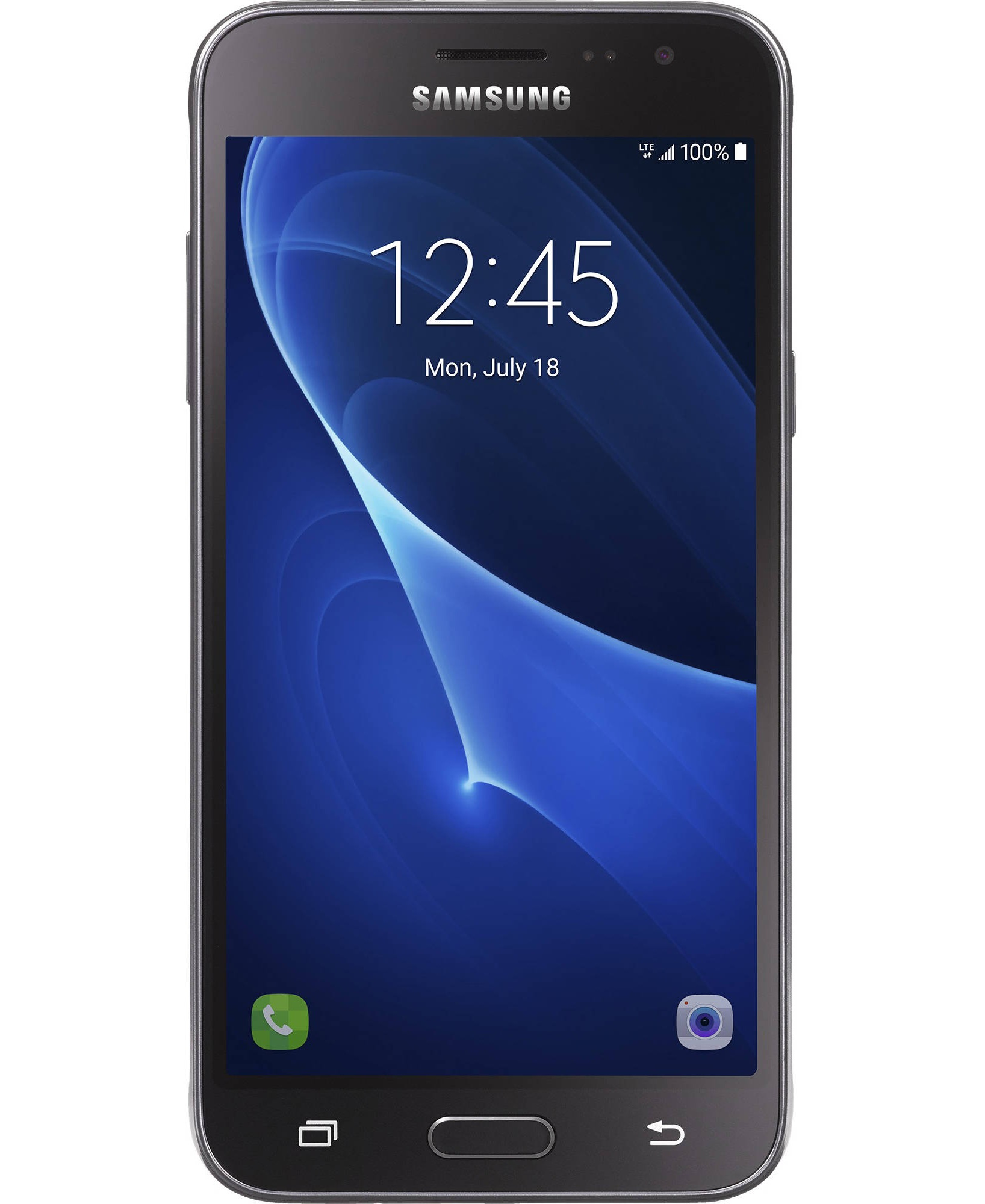
Unlock Your samsung galaxy j3 J320A at the Best Price
Looking to unlock your samsung galaxy j3 J320A effortlessly and affordably? We’re here to provide you with the fastest solution at a competitive price. Our service allows you to unlock your samsung galaxy j3 J320A without any special skills, using simple steps. Plus, our unlock codes come directly from our database, ensuring zero risk of damage to your device.
Why Unlock Your samsung galaxy j3 J320A?
- Use your samsung galaxy j3 J320A with any GSM carrier, both locally and internationally, without extra roaming fees.
- Unlocking increases the resale value of your device.
- Your device will stay unlocked forever, even after updates or factory resets.
- Our service works for most brands, including Samsung, Motorola, OnePlus, and many more.
Important Information Before You Order
Please ensure your device requests an unlock code. Devices with IMEI numbers starting with 99xxx are not supported. Samsung phones from MetroPCS or T-Mobile USA require a specific app for unlocking, and are not supported.
Requirements to Submit an Unlock Code Order for samsung galaxy j3 J320A
All we need is your samsung galaxy j3 J320A IMEI number:
- Dial *#06# to retrieve your IMEI.
How to Enter the Unlock Code for samsung galaxy j3 J320A
The process is simple and requires just a few steps:
- Turn off your samsung galaxy j3 J320A phone.
- Insert a SIM card from a non-accepted network.
- Turn on the phone.
- Your phone will ask for a SIM network unlock PIN or Network lock control key.
- Enter the unlock code we provide.
- Once unlocked, your phone will display a “Successfully Unlocked” message.
Delivery Time
Unlock codes for samsung galaxy j3 J320A phones or mobile hotspots are delivered in 2-5 business days.
Frequently Asked Questions
What is an unlocked Samsung phone?
An unlocked Samsung phone is a device that can be used with any carrier, giving you the flexibility to switch between networks without restrictions.
What is device unlock on Samsung?
Device unlock on Samsung refers to the process of removing the software restrictions that lock the phone to a specific network.
What is the use of Samsung lock?
The Samsung lock feature restricts the phone to a specific carrier, preventing the use of SIM cards from other networks.
What is the purpose of unlocking a phone?
Unlocking a phone gives you freedom to choose any carrier, avoid roaming charges, and increase the resale value of the device.